

BBR, the Danish Building and Dwelling Register (Bygnings- og Boligregistret), is Denmark’s official register of all buildings and homes. The Danish Valuation Agency (Vurderingsstyrelsen) has overall responsibility for BBR, while the municipalities maintain the register and update the details of individual properties.
If you are buying or selling a home, check BBR first. It shows floor areas, use, year of construction, installations and energy details. This information can affect the price and gives you a clear picture of the property.
Look up the home on bbr.dk, where anyone can see the BBR notice (BBR-meddelelse) by searching for the address. The BBR notice is a single extract of all the information BBR holds about the property’s buildings.
Get the details in order in good time. It saves you time and reduces the risk of unpleasant surprises later on.
Who is responsible for correct BBR information, and what does the law say
You are responsible for keeping your BBR information correct. The rules say that, as the owner, you must give the municipality the correct details about your home when you build or change something on the property, and when you discover an error in BBR. This applies, for example, to new extensions, a change of heating or a change of floor area. The municipality sets a deadline for submitting the information. If you miss the deadline, the municipality makes the registration on the basis of its best estimate.
The municipal council is responsible for the registration and decides how the information appears in BBR. The municipality can require you to document your information, and a breach of the duty to provide information can be punished with a fine.
When the municipality changes the registration of your property, you receive a new BBR notice. Go through it and correct any errors via Ret BBR on bbr.dk. This keeps the register correct and saves time.
If you want to read the rules yourself, you can find the BBR Act and the executive order on updating BBR on retsinformation.dk.

How to find your home and download the BBR notice, step by step
Find the BBR notice by searching for the address on bbr.dk. No login is required. You only need MitID if, as the owner, you want to correct the information in Ret BBR.
The BBR notice is divided into sections on the plot, the buildings with their floor areas and energy details such as heating installation and heating fuel, the dwelling units and any technical installations. There is also a map showing the location of the plot and the buildings. You get an overall view of areas, installations and registered units.
Once the document has been downloaded, save it as a PDF and note down the print date. You will need that date when you compare it with the sales particulars and the condition report, so that everything matches.
Go through it point by point:
-
Check the cadastral number (matrikelnummer), address and building number (Bnr.). They must match your property exactly.
-
Compare with public aerial photos, for example in Danmarks Arealinformation, to see whether conservatories or carports are registered correctly.
-
If you have trouble logging in to Ret BBR, you can contact Ret BBR technical support or send the correction directly to the municipality via the contact form on bbr.dk.
That way you stay on top of the home’s registrations and avoid unpleasant errors later.
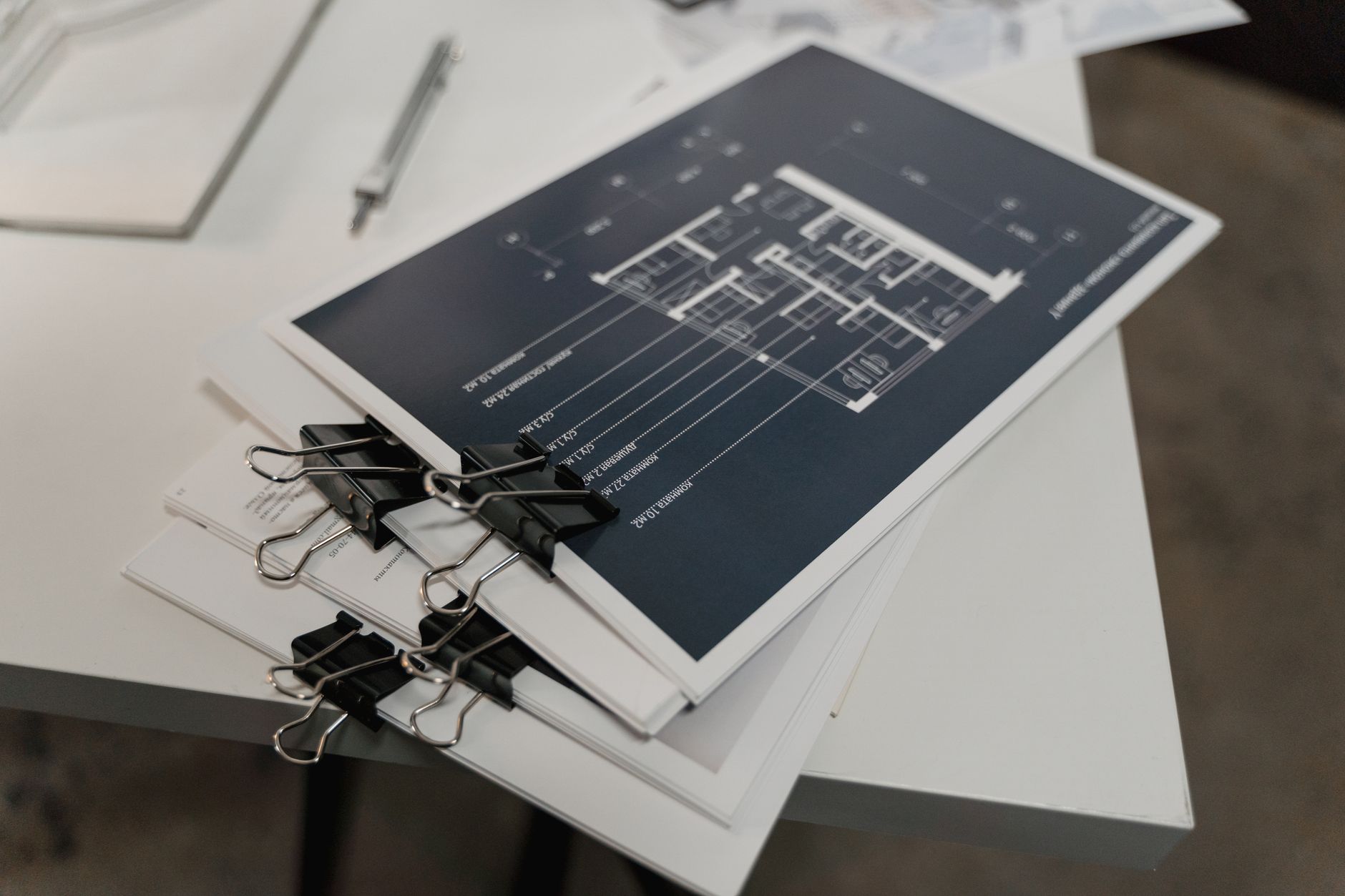
The BBR fields that are often wrong, and how to check them
BBR does not always match the home’s actual usable area in the condition report or the energy label. Many people include the whole basement in the living area, but according to bbr.dk only the part of the basement that may lawfully be used for residential purposes, plus any bathroom and toilet, counts towards the living area. So check that the figures match, because an incorrect registration gives a distorted picture of the home.
BBR only counts habitable rooms as rooms. The kitchen and bathroom do not count. Go through the floor plan and sales particulars and compare them with the BBR notice. If BBR shows more or fewer rooms than expected, the difference in definitions is often the reason.
The type of heating affects both the energy label and taxes. Check that district heating, natural gas or a heat pump is correctly stated in the register. An incorrect entry can easily lead to unpleasant bills.
Roofing is often overlooked in BBR. Is the roof tile, fibre cement (eternit) or roofing felt? For fibre cement, special asbestos rules from the Danish Working Environment Authority (Arbejdstilsynet) apply. Errors here affect maintenance and safety.
Extensions and conservatories are a common source of errors. They are either missing altogether, or their area and year of construction are wrong. A missing registration sometimes points to a missing building case with the municipality, which you should get checked.
Extra bathrooms or toilets must be registered. Water and drainage installations must be traceable in BBR’s installation details under the executive order. If they are missing, discrepancies can easily arise between reality and the documentation.
Basements are regularly listed in BBR as habitable rooms by mistake. Approval for residential use requires, among other things, ceiling height, light and ventilation under the Building Regulations (BR18), and many basements do not meet the requirements. Keep an eye on this point so you avoid problems when selling or using the home.
Why errors in BBR can matter in a property sale
BBR information directly affects the price when you are looking at a home. The area in BBR is the basis for the sales particulars and the price per square metre, which is often the first thing both buyer and seller look at. If the figures do not match reality, it creates skewed expectations about the price. The home may appear more or less expensive than it is, which makes negotiations harder and increases the risk of unpleasant surprises.
The property valuation is based on what BBR says about areas and use. The Danish Valuation Agency uses data from BBR to set the property value, and that value matters for your property tax. Errors in the registrations can lead to an incorrect valuation, and you risk paying too much tax.
Property value tax (ejendomsværdiskat) and land tax (grundskyld) are based on the public valuations, which in turn draw on the information in BBR, among other sources. On Skat.dk you will find the official basis for property tax. If the information does not match the conditions on the plot or in the house, you end up paying the wrong amount, too much or too little. Make sure the data is correct as early as possible.
When the bank or mortgage lender assesses a home loan, it looks at the living area, use and construction status in BBR. Discrepancies between the paperwork and the actual conditions can delay the process or trigger additional checks before you get a final offer. So keep everything up to date and correct before you apply for financing.
Insurance companies also use building data from registers such as BBR to calculate premiums and cover. If the registration of, for example, roofing material or an extension is missing or wrong, you risk being underinsured. The cover will not stretch to the full loss if damage occurs, and that costs you.
A particular pitfall is unregistered extensions or conservatories. A missing registration may indicate that no building permit was applied for from the municipality. That can cause legal and financial problems later. So review the building case separately before you buy.
As a buyer, you have a duty to investigate. You must compare the information in the BBR notice with the actual conditions yourself before the purchase is completed. If you overlook this responsibility, you risk losing rights later. Take the time to investigate thoroughly and get the details right.
When BBR and the building permit do not match: understanding the difference
BBR and the building permit are often confused, but they are not the same. BBR is a digital register of facts about your property. A building permit is the municipality’s approval under the Building Act and shows that the project complies with the rules. The information in BBR does not automatically show whether the building work received the right permit.
A building can be listed in BBR without a completed building case or without the correct permit. The opposite also happens: lawful building work that has not been reported correctly to BBR. So you need both to check the permits with the municipality and to ensure the data in BBR is correct. Two tracks, two processes.
If you see a difference between what has been built and what is in BBR, it often points to a missing application or occupancy permit (ibrugtagningstilladelse). To get the full picture, request access to documents in the municipality’s building case archive. Many municipalities provide access via websites such as “Weblager” or “Byggesager”. There you will find drawings, permits and documentation for occupancy.
The Building Regulations (BR18) set out which works require a building permit. These include, for example, extensions to the home, significant conversions and a significant change of use. Smaller buildings such as carports and sheds totalling no more than 50 m² can be built without applying for a building permit, but they must still comply with the Building Regulations. The municipality supervises compliance under the Building Act. Updating BBR runs as a separate case with its own processing time.
As a buyer, you should investigate both tracks: the municipality’s building cases and the registrations in BBR. If anything seems unclear, ask the seller to contact the municipality about a retrospective registration in BBR and, if necessary, about legalisation through the proper approvals.
It is a good idea to get help from a building surveyor or a lawyer experienced in housing and building law, especially if unlawful building work turns up during a purchase. This minimises the risk of delays to the sale and legal problems later.
How to correct BBR information properly, step by step
Fortunately, it has become easy to correct BBR information. You do it digitally with MitID, so you avoid paperwork and can handle it from home.
-
Go to the Ret BBR correction service on bbr.dk and log in with MitID. There you send a proposed change to the municipality, which reviews the corrections before they are saved in BBR. Some changes cannot be reported in Ret BBR, for example a built-in conservatory, water and drainage conditions or a change of use of the home. You must send those directly to the municipality.
-
Gather documentation before you submit. Use dimensioned drawings (a plan and, where relevant, a section), the building permit or notification receipt, and the completion notice or occupancy permit. Photos of the current conditions help the caseworker assess the case.
-
Upload the material in the digital form so that the municipality receives your request and can start the review.
-
If the case concerns areas, the municipality may require a measurement according to the standards in the BBR guidance. Be ready to order a professional survey so that the registration is accurate.
-
During processing you may receive a consultation letter in Digital Post (the Danish digital mailbox) with a deadline for replying. Reply quickly so the case does not drag on.
-
When the municipality makes its decision, you receive an updated BBR notice digitally. Go through all the fields and check the new registration date, so you know when the change was approved.
-
If the change requires a building case, for example for an extension or a conservatory, the application must be submitted separately in Byg & Miljø. The building case runs independently of BBR, so both must be in place.
If you follow these steps, you will get your BBR information corrected without hassle.
Case processing, deadlines and disagreeing with a BBR decision
If you do not document your information before the municipality’s deadline, the municipality decides on the registration itself. A breach of the duty to provide information can also be punished with a fine, and the municipality can offer to settle the case with a fine of no more than 5.000 kr. (sections 8 and 9 of the BBR Act).
Waiting times for processing changes vary from municipality to municipality, because there is no common standard. Check your municipality’s website to get a realistic idea of the response time.
If the matter also involves a building case, for example an extension or a conservatory, the building case runs on its own, independently of the BBR registration. Expected processing times are often given on the municipality’s building case pages or in Byg & Miljø once the submission has been received.
If you disagree with the municipality’s decision on the registration in BBR, you cannot appeal to another authority. The decision is final under the executive order on updating BBR (section 22). Instead, you can send new documentation to the municipality and ask it to look at the case again.
As a party to the case, you have the right of access to documents in your BBR case under the Danish Public Administration Act. Ask for documents and correspondence about your own information in the case. It helps when something seems unclear or wrong.
If things need to move quickly, for example because a property sale is coming up, tell the municipality about the time pressure and ask whether your case can be prioritised. There is no guarantee of quick processing, even when it is urgent, but an open dialogue increases understanding on both sides.
Checklist for the buyer: how to compare BBR with the home and the sales particulars
If you are buying a home, a short, practical checklist gives you peace of mind. Cross-check BBR, the sales particulars and what you see at the address, so you spot errors in time and avoid expensive surprises.
-
Download the latest BBR notice from bbr.dk and note down the print date, so you are working with the right data.
-
Compare the living area in BBR with the area in the sales particulars and the floor plan. Pay particular attention to basement area versus living area. According to bbr.dk, only the part of the basement that may lawfully be used for residential purposes counts towards the living area.
-
Count the rooms on site and on the floor plan. Does that match the “værelser” (rooms) field in BBR?
-
Look for conservatories, extensions, carports and sheds on the plot and in aerial photos. Check whether they are in BBR with the correct area and year.
-
Check the heating. Does the BBR information match what you see? For example radiators, a district heating unit or a heat pump. Also compare with the energy label, if there is one.
-
Look for extra bathrooms/toilets, spa/shower or a utility room with water and drainage. Are these installations clearly shown in BBR?
-
Ask the seller or estate agent for documentation: building permits, completion notices and recent corrections in the BBR data. If in doubt, contact the municipality directly or get help from a building surveyor or lawyer.
With this checklist, you have the most important points covered when buying a home. Use it to compare official data, sales material and what you see in the house. If anything is unclear, seek individual advice from the relevant professionals.
Leave a comment